A quick check turns into scrolling that feels hard to stop.
Social media blocker
A social media blocker for the moment before you tap.
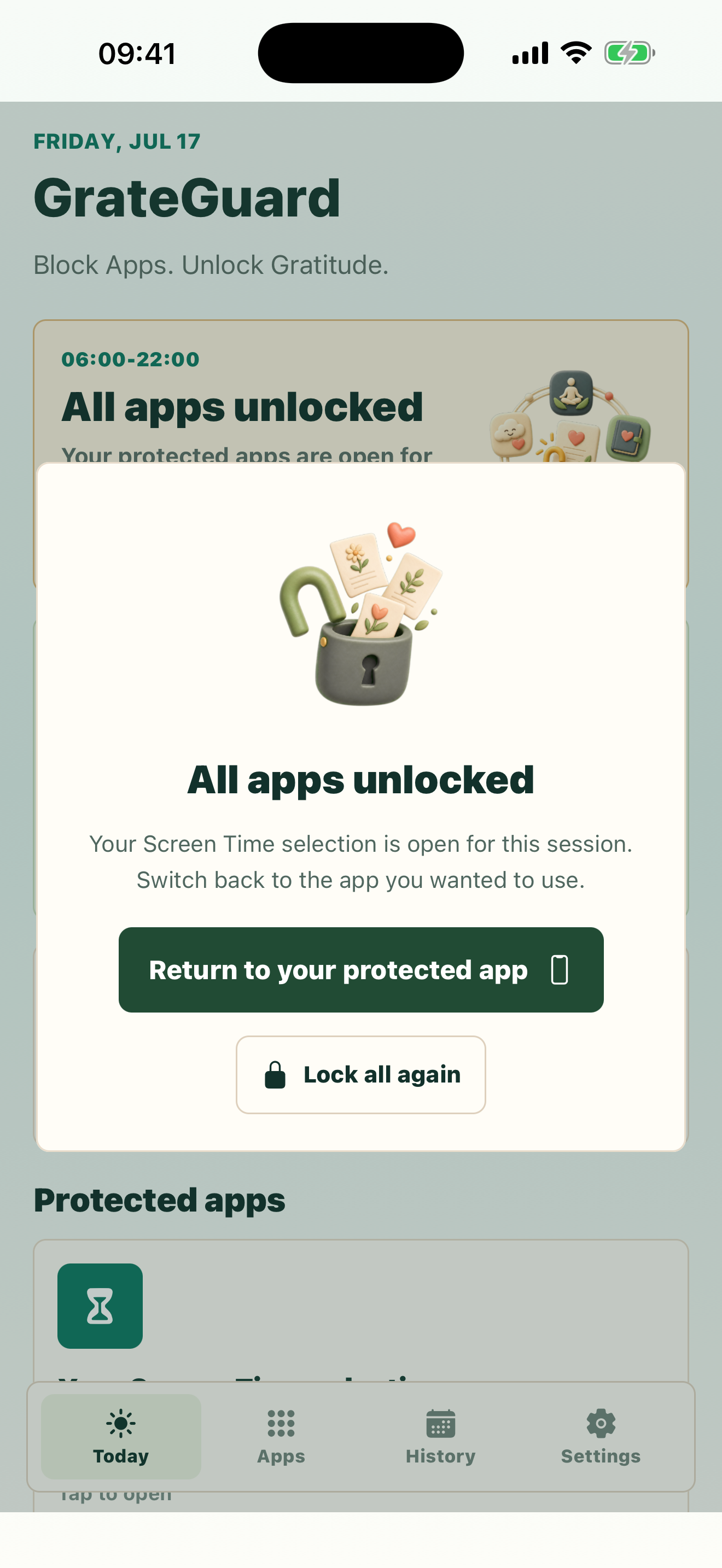
Social feeds are designed to feel frictionless. GrateGuard adds one useful pause before Instagram, TikTok, YouTube, Reddit, or any app you protect.
Built for distracting appsOne shared unlockPrivate gratitude entries
Why it matters
social media blocker searches come from a real behavior problem.
You want to use social media intentionally, not erase it completely.
You need friction at night, during work, or when bored.
How GrateGuard helps
Block the app, then change the opening moment.
Block the feeds, not the whole phone
Keep your useful apps available while placing social media behind a gate during the windows you choose.
Interrupt doomscrolling before it begins
The ritual creates a moment to notice why you are opening the app and whether you still want to continue.
Avoid public streak pressure
GrateGuard keeps the experience quiet and personal: no public feed, no social comparison, no account required.
Setup
A simple flow for intentional app use.
List your social triggers
Pick the apps you open when bored, stressed, tired, or avoiding something else.
Protect those apps
Put them behind the gratitude gate for your highest-risk windows.
Use a single unlock intentionally
Complete the ritual when you decide the session is worth it, then exit when the session has served its purpose.
Questions
FAQ
Can GrateGuard block social media apps?
Yes. You choose which distracting apps to protect, including social media apps, video apps, games, and other attention traps.
Is this only for quitting social media?
No. GrateGuard is built for intentional use, so you can add friction during vulnerable times without deleting every app.
Why use gratitude before social media?
Gratitude gives the pause a positive action, which can be easier to repeat than a blocker that only says no.
Download
Put a gratitude gate before distracting apps.
Choose your store and make app opening a conscious choice instead of an automatic loop.