Set an Instagram time limit that matches the problem.
Instagram’s daily limit can remind you to stop, while your phone can enforce a daily allowance or scheduled window. Use the two-question finder to choose the lightest boundary that fits—and add another layer only if overriding it becomes automatic.
iPhone and Android pathsCurrent first-party instructionsPrivate two-question finder
2 questions · Instagram limit finder
Which Instagram limit will actually hold?
A reminder, daily allowance, and protected window solve different problems. Find the lightest native control that fits first.
01 · Instagram02 · iOS / Android03 · GrateGuard
Your strongest fitting limit will appear here. Instagram prompt → device limit → optional opening pause
The limit stack
Use the lightest layer that changes the unwanted session.
These controls can work together, but they have different jobs. Start at the top and move down only when the previous layer stops helping.
01
Instagram: daily reminder or Sleep mode
Use Daily limit as an exit cue. Use Sleep mode to mute notifications and send automatic DM replies on a schedule; do not mistake notification quieting for device-level app enforcement.
Your phone: App Limit, App Timer, or scheduled pause
Choose a daily allowance when the total minutes matter. Choose Downtime on iPhone or Focus mode on Android when a recurring part of the day needs protection.
03
Optional: a deliberate opening action
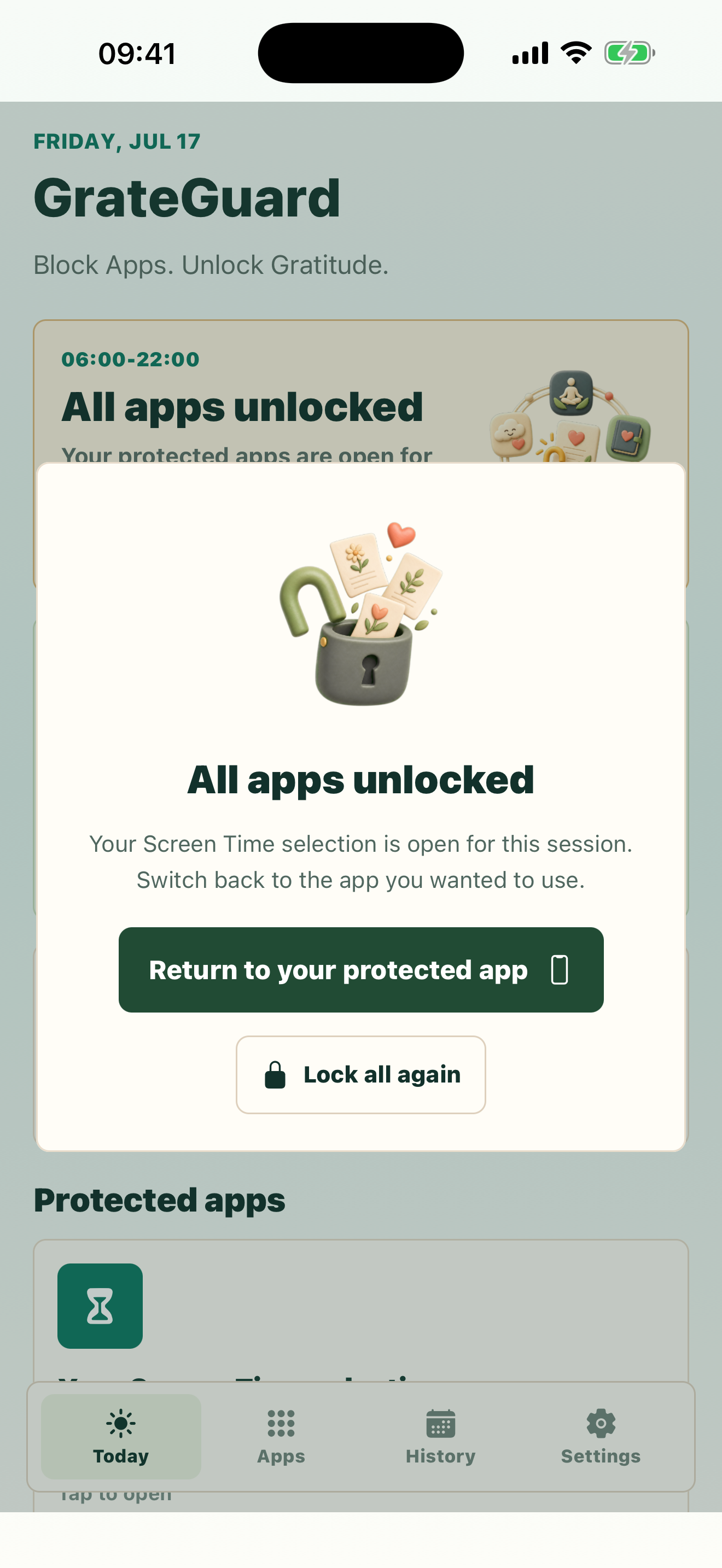
If overriding the native rule becomes automatic, protect only Instagram and the hours that cause trouble. GrateGuard asks for three private gratitudes before the protected session opens.
Instagram, Apple, and Android can change labels and menu paths. Use the current first-party links in the finder if your screen differs.
Why it matters
An Instagram reminder, device limit, and scheduled pause are not the same boundary.
Instagram’s daily-limit alert appears, but tapping past it has become automatic.
Sleep mode quiets notifications, yet you can still open and use the app on an adult account.
You need either a daily allowance or a protected time window—not a vague goal to scroll less.
How GrateGuard helps
Block the app, then change the opening moment.
Start with Instagram’s lightest reminder
If you still notice and follow prompts, Instagram’s own daily limit may be enough. It is the smallest intervention and does not require another app.
Let the phone enforce the boundary
Use Apple App Limits or Android App Timers for a daily allowance. Use Downtime or Focus mode when the problem happens during work, mornings, or bedtime.
Change the opening moment only when needed
If extending the limit has become a reflex, GrateGuard can add three private gratitudes before an intentionally protected session. It complements native controls instead of replacing them.
Setup
A simple flow for intentional app use.
1
Choose the outcome
Decide whether you need a gentle reminder, a daily number of minutes, a recurring no-Instagram window, or help with repeated overrides.
2
Use the matching native control for seven days
Keep the first rule narrow and realistic. Notice whether it changes the sessions you regret, not just the number shown in a report.
3
Strengthen only the weak point
If the alert works, stop there. If it becomes background noise, move to the next layer without blocking useful parts of your phone.
Questions
FAQ
How do I set a time limit on Instagram?
For a gentle prompt, open Instagram, go to your profile, open the menu and Time management, then choose Daily limit. For device-level enforcement, use App Limits in iPhone Screen Time or an App Timer in Android Digital Wellbeing.
Does Instagram block the app when the daily limit is reached?
On a self-managed adult account, treat Instagram’s daily limit as a reminder rather than a device-level block. Use your phone’s Screen Time or Digital Wellbeing controls when you want the device to pause the app.
Does Instagram Sleep mode stop me from opening Instagram?
Sleep mode is designed to mute notifications, change your activity status, and send automatic replies to direct messages during scheduled hours. It should not be treated as an adult-account access block.
Can I schedule Instagram to be unavailable at night?
Yes. On iPhone, schedule Downtime and review Always Allowed. On Android, add Instagram to Focus mode and schedule it if your device offers that option. Exact names can vary by operating-system version and manufacturer.
When does GrateGuard help with an Instagram limit?
GrateGuard is most relevant when changing or ignoring a native limit has become automatic. It adds a deliberate gratitude action before the protected session; it is a personal boundary, not an unbreakable lock or parental-control product.
Download
Put a gratitude gate before distracting apps.
Choose your store and make app opening a conscious choice instead of an automatic loop.