Homework sessions get broken by social notifications and reflexive checks.
For students
An app blocker for students who keep getting pulled away.
Studying fails fastest when the first “quick check” opens the door. GrateGuard keeps distracting apps behind a gratitude gate during study blocks, reading time, and exam prep.
Study-session lock windowsSocial app frictionPrivate by default
Why it matters
app blocker for students searches come from a real behavior problem.
You need a blocker that still lets useful school apps stay available.
You want focus help without a complicated productivity system.
How GrateGuard helps
Block the app, then change the opening moment.
Protect study time
Create lock windows for lectures, homework, reading, library blocks, or exam prep.
Keep useful apps reachable
Only put distracting apps behind the gate so maps, messages, calendars, and school tools can stay available when needed.
Reset before the break
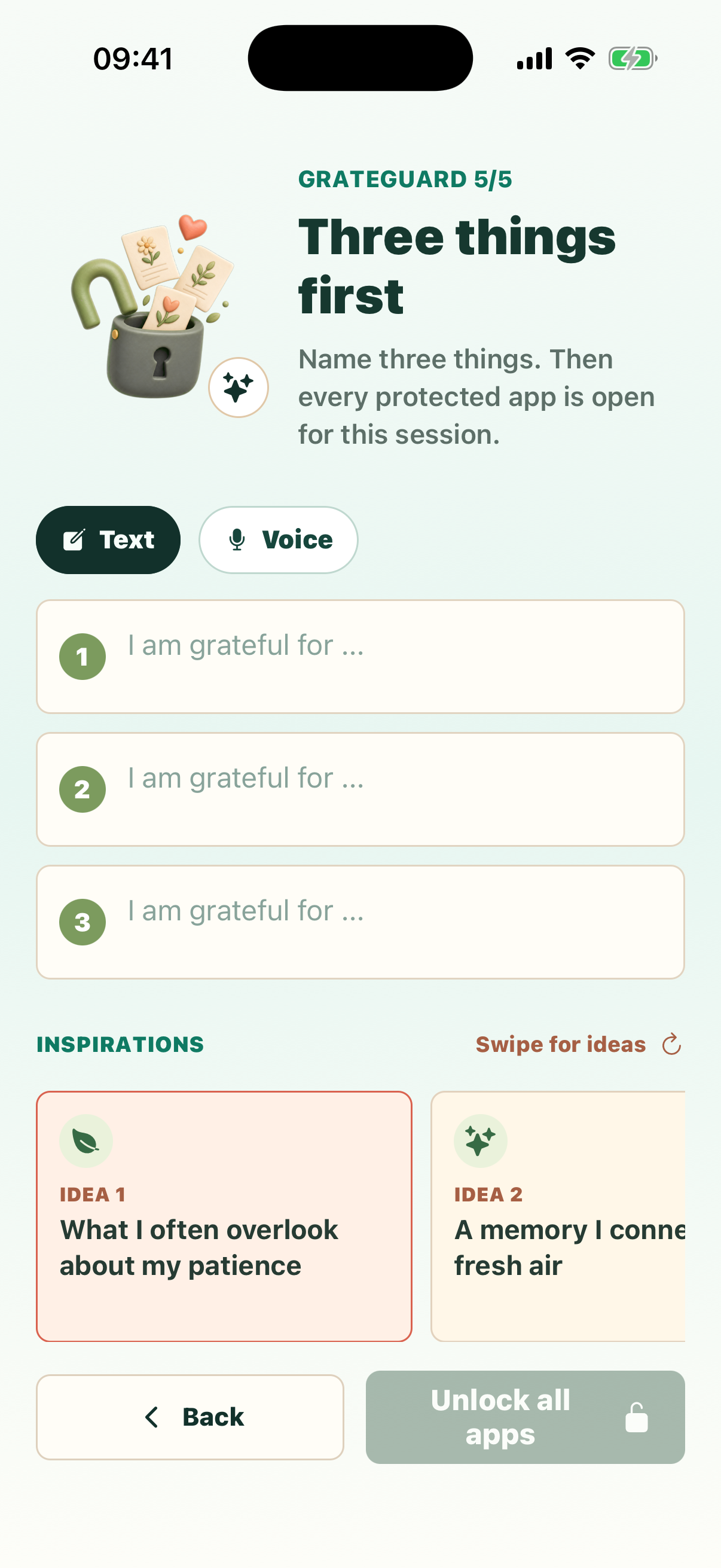
When you intentionally open a protected app, the gratitude ritual separates a planned break from an accidental scroll.
Setup
A simple flow for intentional app use.
Choose a study block
Start with one predictable session, such as after class or the hour before an assignment is due.
Block your attention traps
Protect the apps you check when the work gets difficult or boring.
Unlock only on purpose
Use the gratitude gate when you choose a real break, then return to the block when the break is done.
Questions
FAQ
Is GrateGuard useful for students?
Yes. Students can use GrateGuard to put social media, video, games, or other distracting apps behind a short ritual during study windows.
Can I still use school apps?
Yes. You choose which apps are protected, so school, calendar, notes, or communication apps can remain available.
Does GrateGuard require a public study group or account?
No. GrateGuard is private by default and does not require an account.
Download
Put a gratitude gate before distracting apps.
Choose your store and make app opening a conscious choice instead of an automatic loop.