Choose the apps
Guard the apps you open without thinking, then adjust the list whenever your habits change.
Block apps. Unlock gratitude.
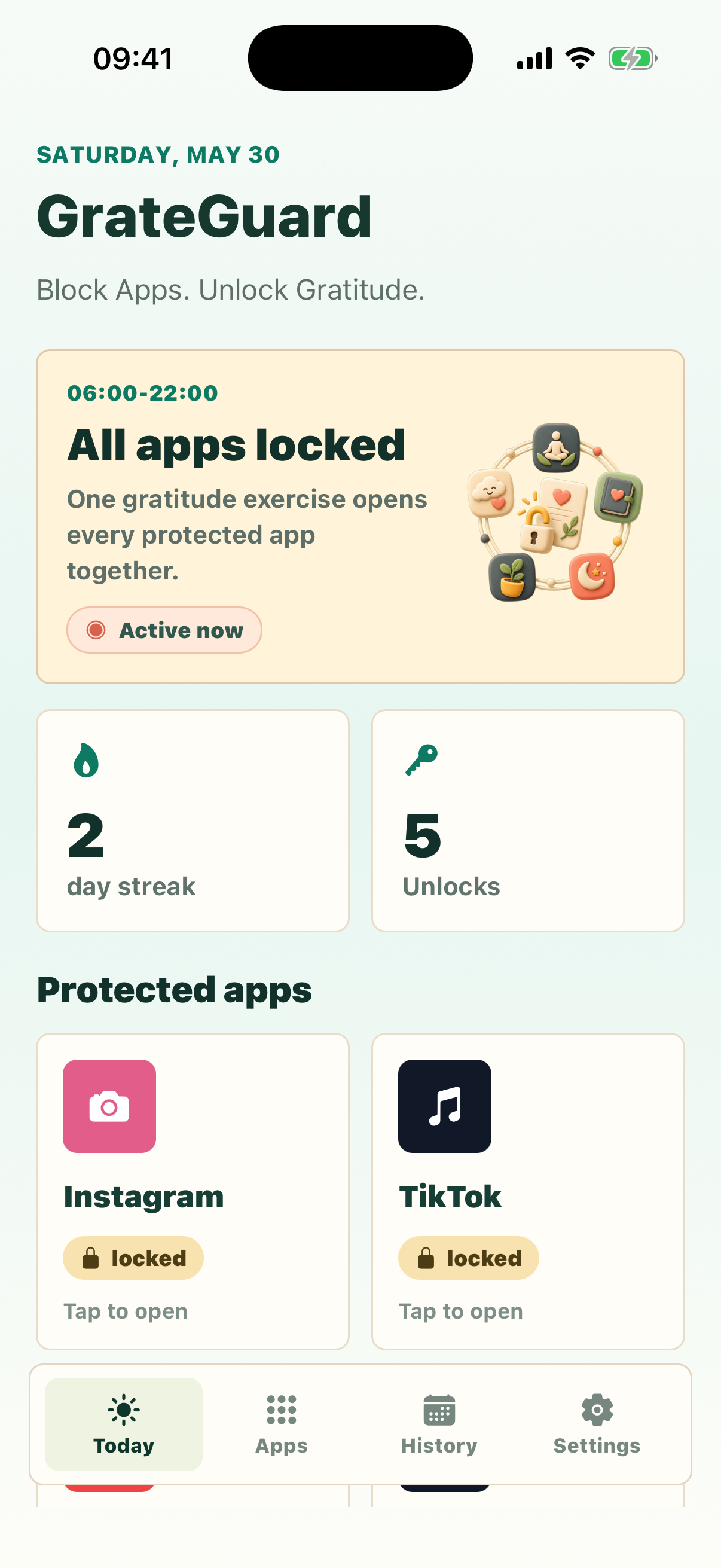
GrateGuard turns app blocking into a short, private ritual: name three real gratitudes, then open every protected app in one calm, time-boxed session.
How it works
Guard the apps you open without thinking, then adjust the list whenever your habits change.
Use focused hours for work, evenings, mornings, or all-day reset periods.
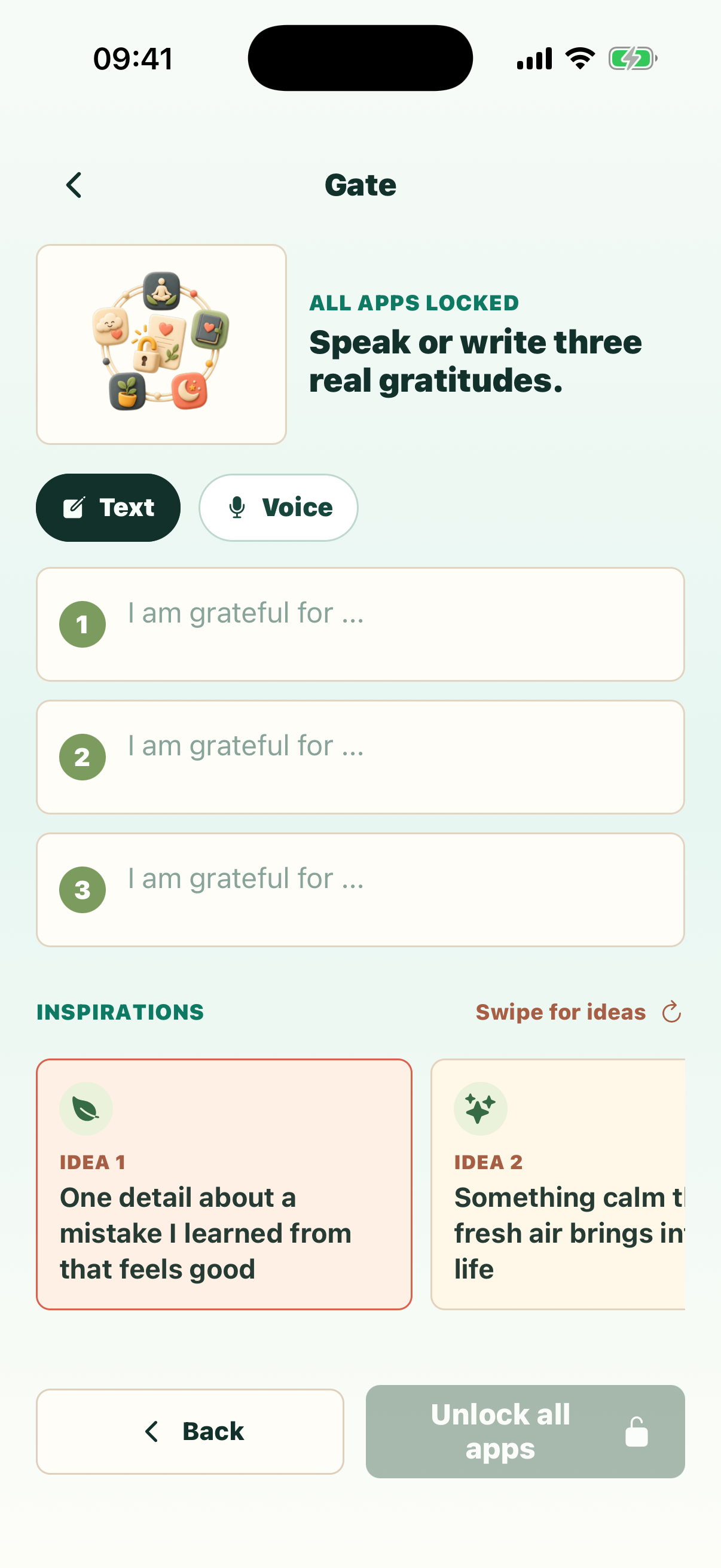
Write them or speak them. The protected apps open only after the gratitude gate is complete.
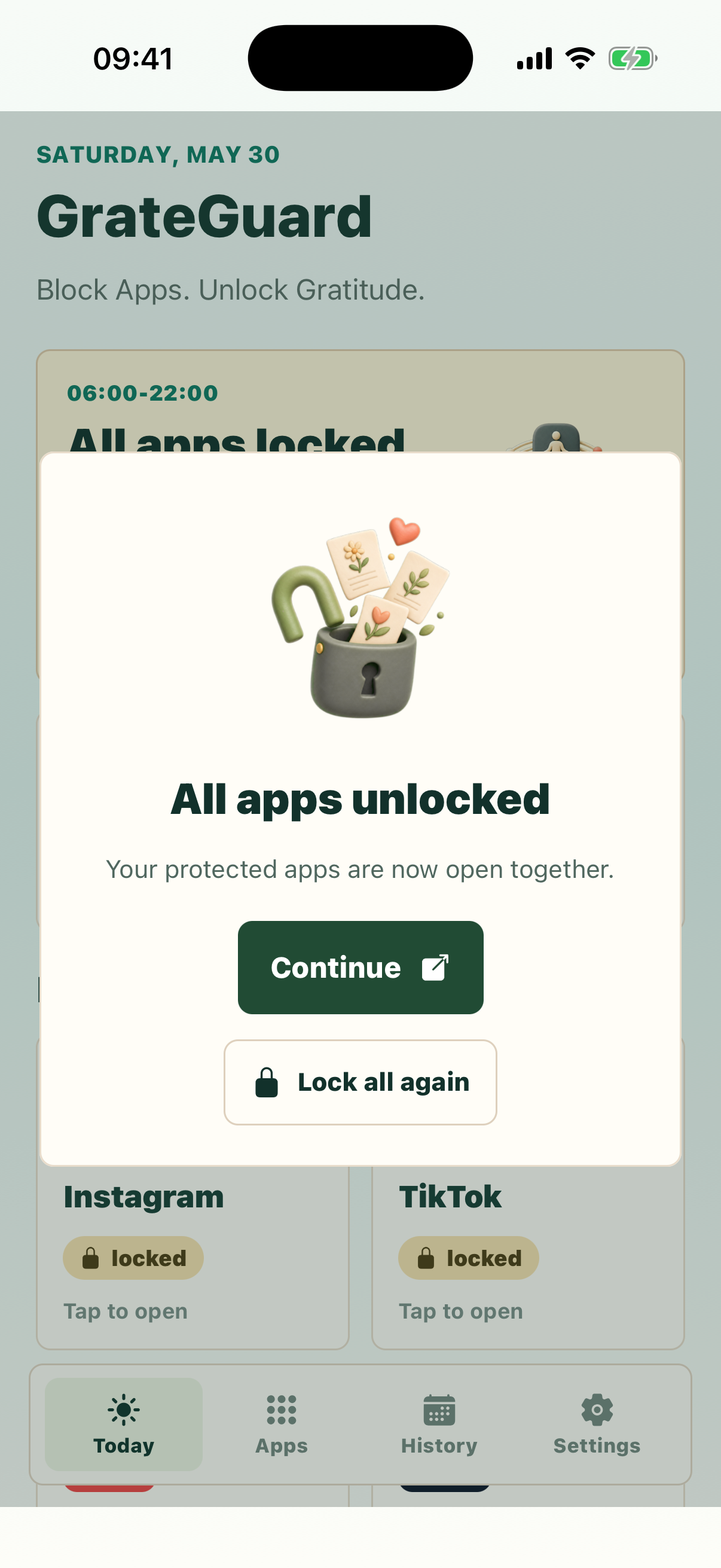
Pick the apps that pull you in. During your lock window, one completed gratitude exercise opens the whole protected session together.
Before the scroll starts, GrateGuard asks for three specific gratitudes. It is fast enough to use daily and deliberate enough to break autopilot.
No account, no behavioral analytics, and no public streaks. Your gratitude history and protected app choices stay on your device.
See it in action
A focused flow: all your protected apps are locked until you complete the gratitude gate — then every app opens together in one calm session.
Ready for launch
Choose your store and keep the same simple promise on every device: distracting apps stay closed until gratitude opens them.